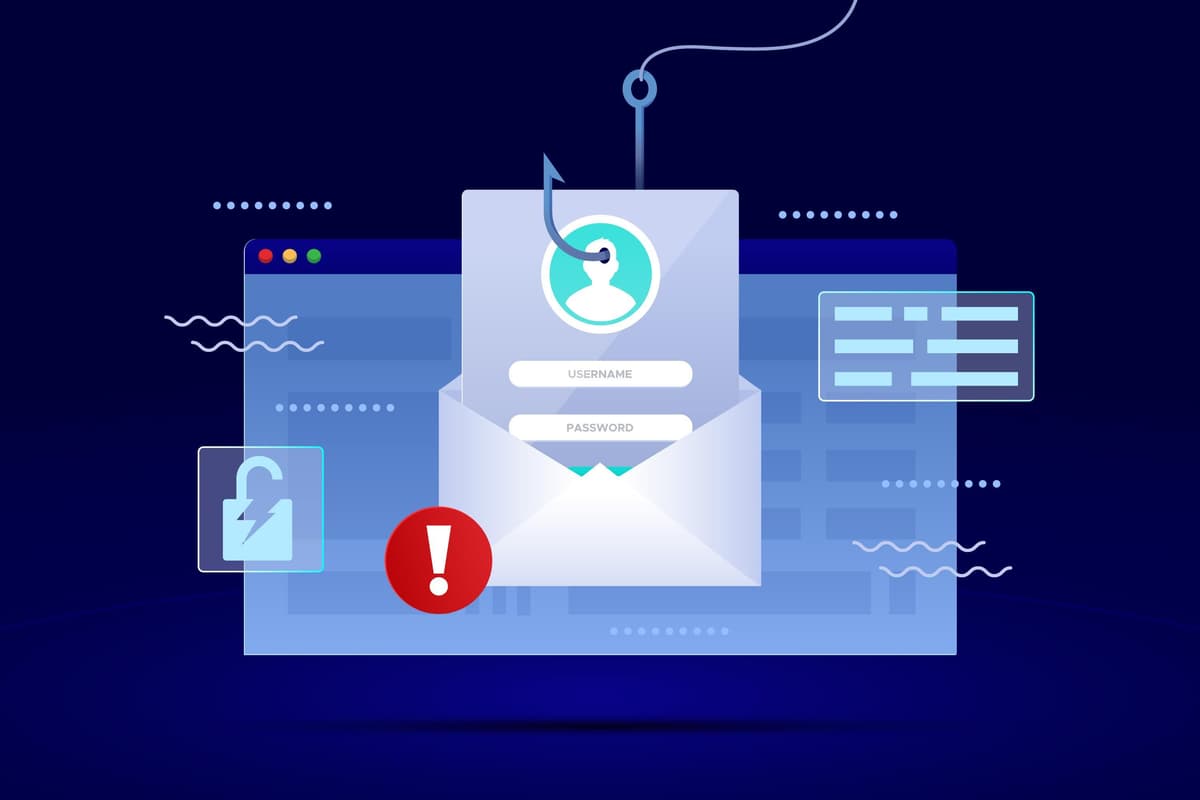
Your Guide to Spotting and Stopping Phishing Attacks
In the ever-evolving digital landscape, threats lurk around every corner. While we often think of sophisticated hackers breaking through firewalls, one of the most persistent and successful attack methods relies not on complex code, but on human psychology: phishing.
Phishing is a type of social engineering attack often used to steal user data, including login credentials and credit card numbers. It occurs when an attacker, masquerading as a trustworthy entity, dupes a victim into opening an email, instant message, or text message. The recipient is then tricked into clicking a malicious link, downloading malware, or divulging sensitive information.
Why is it so effective? Because it preys on trust, urgency, and fear. And the scary truth is, these attacks are getting incredibly sophisticated.
The Anatomy of a Phishing Attack
Imagine this: you get an email that looks exactly like it's from your bank. The logo is perfect, the sender's name is right, and it might even greet you by name. It claims there's a "security alert" or "unusual activity" on your account, urging you to click a link immediately to verify your details.
Or perhaps it's an email from a major online retailer, offering an irresistible discount that requires you to "confirm your payment information" through a clickable button.
In both cases, clicking that link takes you not to the legitimate site, but to a meticulously crafted fake. Once you enter your credentials there, they're instantly captured by the attackers.
How to Spot a Phishing Attempt (Your Digital Spidey-Sense)
Becoming a human firewall requires vigilance. Here's what to look for:
- Suspicious Sender Email Address: Don't just look at the display name. Hover over the sender's email address (or tap on mobile) to reveal the actual address. Does it perfectly match the company's domain, or is there a subtle typo (e.g.,
amaz0n.cominstead ofamazon.com)? - Generic Greetings (Sometimes): While phishers are getting better, many still use generic greetings like "Dear Customer" instead of your actual name. Be wary.
- Urgent or Threatening Language: Phishing emails often create a sense of panic, demanding immediate action. "Your account will be suspended!" or "Action required within 24 hours!" are major red flags.
- Bad Grammar or Spelling: Legitimate companies rigorously proofread their communications. Typos, grammatical errors, or awkward phrasing are strong indicators of a scam.
- Malicious Links: This is crucial. NEVER click a link in a suspicious email. Instead, hover over it (don't click!) to see the actual URL. Does it point to the expected website, or something completely different and suspicious? If in doubt, type the official website address directly into your browser.
- Unexpected Attachments: Be extremely cautious of unsolicited attachments, even if they seem to come from a known sender. They often contain malware.
- Requests for Sensitive Information: Legitimate organizations (like your bank or email provider) will never ask you for your password, PIN, or full credit card number via email.
Empowering Yourself Against Phishing
Knowing the signs is half the battle. Here's how to protect yourself:
- Think Before You Click: This is the golden rule. Take a moment to analyze any suspicious communication.
- Verify Independently: If an email seems legitimate but asks for action, navigate to the official website by typing the URL directly into your browser or using a bookmark. Log in there to check for notifications.
- Use Strong, Unique Passwords: Even if a phisher gets one password, unique passwords for each service prevent them from accessing other accounts.
- Enable Multi-Factor Authentication (MFA): This is your best defense. Even if attackers steal your password, they can't log in without the second factor (e.g., a code from your phone).
- Keep Software Updated: Ensure your operating system, browser, and security software are always up to date to patch known vulnerabilities.
- Report Phishing: Most email providers have a "Report Phishing" or "Report Spam" button. Use it! This helps train filters and protect others.
The Bottom Line
Phishing attacks will continue to evolve, but your awareness is your strongest shield. By understanding the tactics, recognizing the warning signs, and adopting smart digital habits, you can significantly reduce your risk of getting hooked. Stay safe out there!